Problem
The operating friction
A growing retail operation needs more than a storefront: purchasing, inventory, sales, pricing, accounting and reporting have to work as one operating system, or the business slows down exactly when it scales.

Problem
A growing retail operation needs more than a storefront: purchasing, inventory, sales, pricing, accounting and reporting have to work as one operating system, or the business slows down exactly when it scales.
Approach
Dokanei was designed around operational workflows before system choices: how a product enters the catalog, how stock moves, how a sale updates inventory, how purchasing connects to suppliers, and how accounting sees the business.
01 / The business problem
A retail operation with a growing catalog and customer base cannot run on separate spreadsheets for stock, a cash register for sales and memory for supplier balances. Every sale creates a chain of manual updates, and every manual update is an opportunity for the numbers to disagree.
The design question for Dokanei was therefore not 'which commerce tools to use' but 'what operating system does a connected retail business need?'
02 / Existing workflow and design decisions
03 / System architecture
Dokanei's architecture is deliberately ERP-oriented: one product master, one inventory ledger and one set of transaction events. POS, purchasing, reporting and accounting read from and write to the same spine, so there is never a 'sales version' and a 'stock version' of the truth.
This mirrors the PROCESS → SYSTEM → AUTOMATION → INTELLIGENCE framework: the retail process was designed first, the system was built around it, and automation and reporting follow naturally.
04 / Key workflows
05 / Scaling considerations
Because the spine is a single inventory and product model, adding a location or product line extends the same system instead of starting a parallel one. Central purchasing, inter-store transfers and consolidated reporting become configuration decisions rather than new projects.
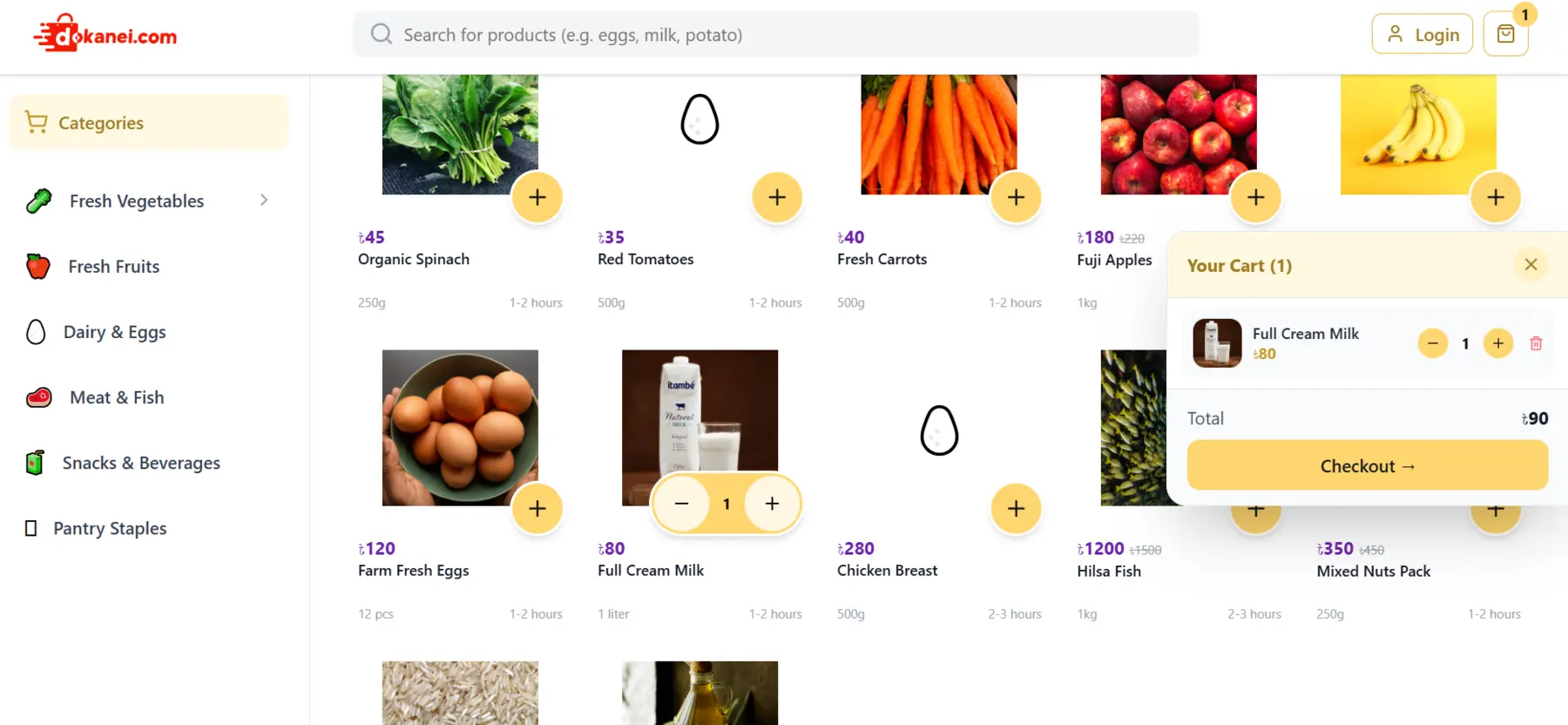
Product view
Lessons
Design the retail process before choosing the tools; the workflow determines the architecture.
One product and inventory spine prevents the 'sales vs stock' disagreements that manual processes create.
Accounting integration is a design principle, not a later add-on.
Scaling is easier when growth extends one operating system instead of adding parallel spreadsheets.
A useful next step
Start with the process
If finance or operations still depend on fragmented spreadsheets, repetitive manual work or disconnected systems, let’s understand the process before choosing the technology.
Book a clarity call